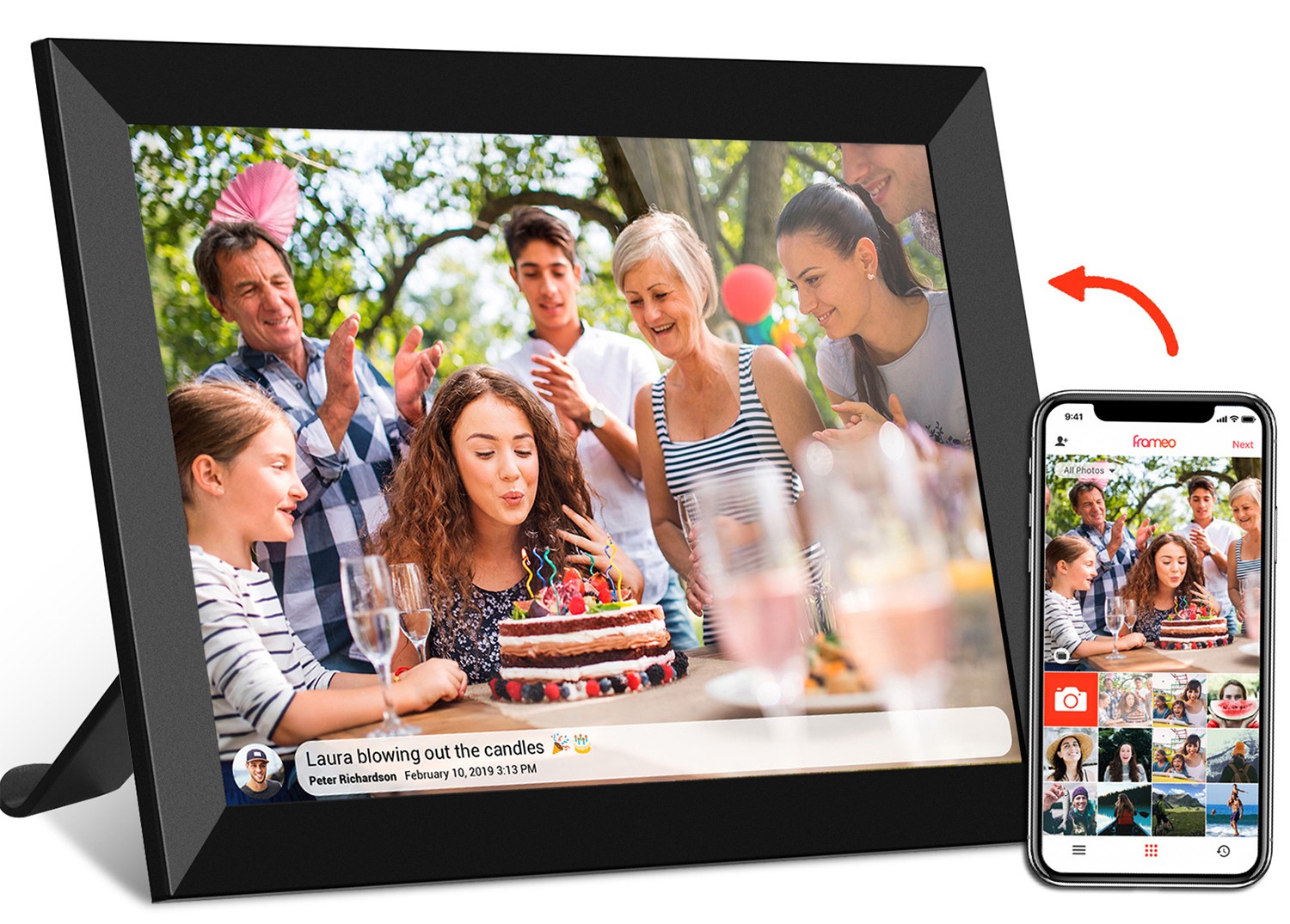
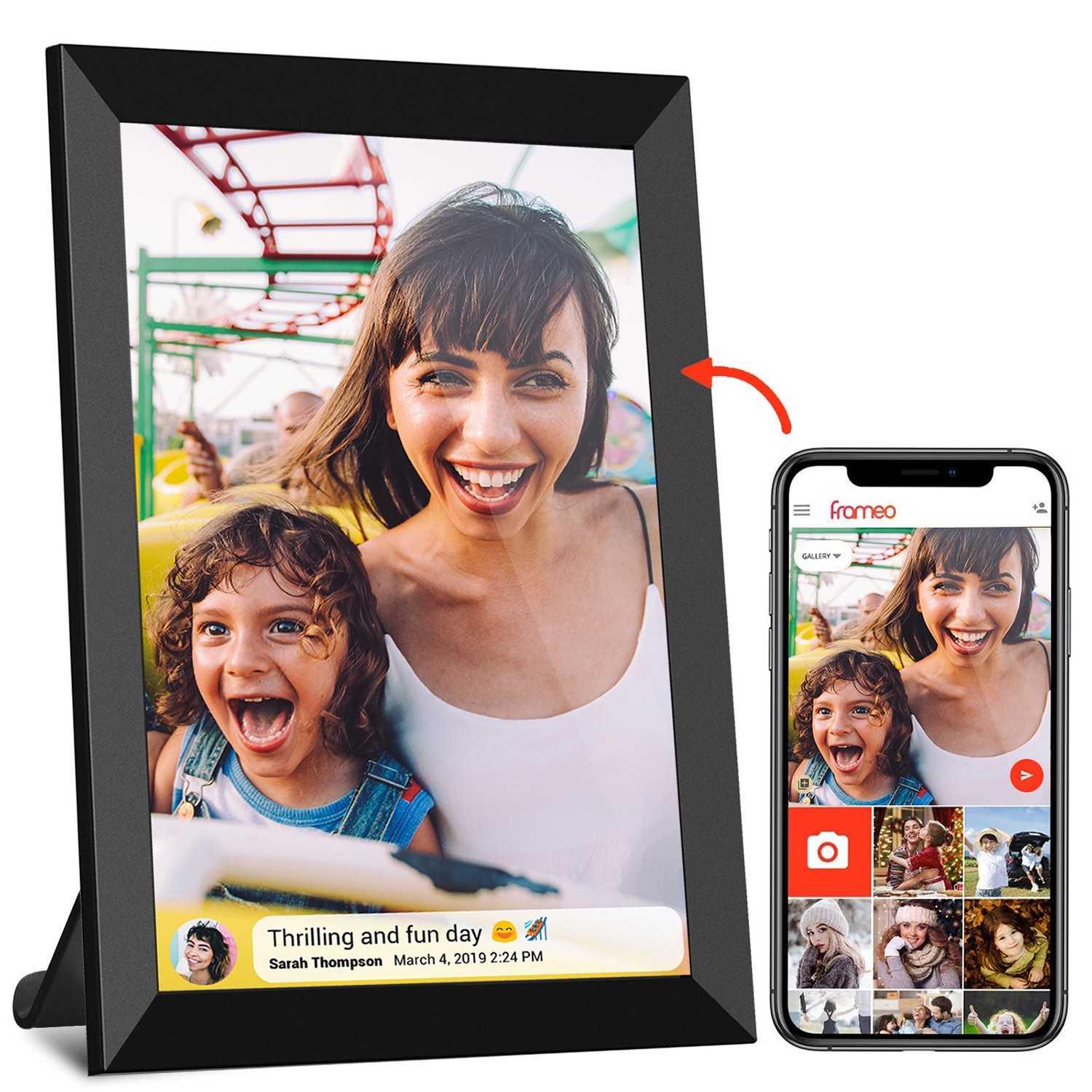
Let's start with a common scenario: You just unboxed your brand-new wifi digital photo frame , excited to load it with family photos. You plug in the USB-C cable that came with your phone, hit "transfer," and… nothing. Or maybe the photos take forever to load, and halfway through, the frame dies because the battery isn't charging. Sound familiar? If you've ever scratched your head wondering why your USB-C cable isn't working as expected with your digital photo frame, you're not alone. The truth is, not all USB-C cables are created equal—especially when it comes to the ones that power and connect your favorite photo-sharing device.
In this guide, we're diving deep into the world of USB-C cables, breaking down the key differences between data cables and charging cables, and explaining why those differences matter specifically for devices like your 10.1 inch frameo wifi digital photo frame or a larger 21.5 inch wifi digital photo frame . Whether you're a tech newbie or just someone who wants their frame to work seamlessly, by the end, you'll know exactly which cable to grab when you need to charge, transfer, or both.
USB-C is that small, oval-shaped port you've probably seen on most modern devices—phones, laptops, tablets, and yes, digital photo frames. It replaced the old USB-A (the big, rectangular one) because it's reversible (no more flipping the cable three times to plug it in!), slimmer, and can do more. But here's the catch: the port is the same, but the cables that plug into it can have totally different jobs. Think of USB-C as a multi-tool—some tools are built for drilling (charging), some for screwing (data transfer), and some for both. The cable is the "bit" that determines what it can do.
For digital photo frames, USB-C is a game-changer. Older frames often used clunky USB-A ports or proprietary chargers, but today's models—like the frameo cloud frame —rely on USB-C for both power and data. That means one port can charge the battery and let you transfer photos from your laptop or phone. But again, only if you're using the right cable.
Let's cut to the chase: What makes a USB-C data cable different from a charging cable? It all comes down to four key factors. We'll break them down, then show you how they impact your digital photo frame experience.
| Feature | USB-C Data Cable | USB-C Charging Cable |
|---|---|---|
| Primary Job | Transfer data (photos, videos, files) and charge (usually) | Only charge—no data transfer |
| Transfer Speed | High (up to 10Gbps or 40Gbps with USB 3.2/4.0) | None—can't transfer data at all |
| Power Delivery (Charging Speed) | Varies (can support fast charging, but not always the focus) | Focused on power—often supports fast charging (30W+) |
| Inside the Cable | Has extra wires for data (four twisted pairs for high-speed transfer) | Only has power wires (two for +5V, two for ground—no data lines) |
| Best For | Transferring photos to your frame, updating firmware | Charging the frame's battery, powering it during long displays |
See the pattern? Data cables are "two-in-one"—they move information and electricity. Charging cables? They're one-trick ponies: just electricity. Now, let's see why this matters for your wifi digital photo frame .
Digital photo frames aren't just screens that show pictures—they're mini computers. They have batteries, processors, and often, Wi-Fi or Bluetooth for syncing photos (hello, frameo cloud frame !). That means they need two key things from a USB-C cable: power to stay on, and data to get new photos. Let's break down the real-world impact of using the wrong cable.
Imagine you want to transfer 50 family photos (each around 5MB) from your laptop to your 10.1 inch frameo wifi digital photo frame . You grab the USB-C cable that came with your fast charger (a charging-only cable) and plug it in. Your laptop might recognize the frame, but when you try to drag-and-drop photos, nothing happens. Why? Because charging cables don't have the extra wires needed to send data. They can't "talk" between devices—they only send power. So you're stuck, staring at a blank frame, while your photos sit on your laptop.
Now, picture this: You have a 21.5 inch wifi digital photo frame mounted in your living room, showing a slideshow of vacation pics. It's a big screen, so it drains battery faster. You plug in a basic USB-C data cable (the kind that came with your old phone) and leave it charging overnight. The next morning, it's only at 60% battery. Why? Because some data cables are designed for slow charging—they can transfer data quickly but can't handle high power. A 21.5-inch frame needs more juice, and a low-power data cable just can't keep up.
Okay, so you bought a "USB-C data and charging cable" off Amazon for $5. You plug it into your frameo cloud frame to transfer photos and charge at the same time. The transfer starts, but halfway through, the frame disconnects. Then it reconnects. Then your laptop gives an error: "Device not recognized." Cheap cables often cut corners on wiring—they might have the data wires, but they're thin or poorly shielded, causing interference. For a frameo cloud frame that relies on steady data transfer for cloud syncing, this is a disaster—your grandma's birthday photos might never make it to the frame.
Now that you know the risks of using the wrong cable, let's talk about what to look for when shopping for one. Not all data cables are equal, and not all charging cables are, either. Here are the specs that matter most for digital photo frames:
If you're transferring photos, speed is everything. USB 2.0 cables (the oldest) max out at 480Mbps—fine for a few small photos, but if you're sending a 1GB video to your frame, it'll take forever. USB 3.2 (sometimes called "SuperSpeed USB") hits 10Gbps, which is 20x faster. Thunderbolt 3/4 cables go up to 40Gbps, but unless your frame has a Thunderbolt port (unlikely for most consumer models), you won't need that. For most frames, like the 10.1 inch frameo wifi digital photo frame , USB 3.2 is more than enough.
Power Delivery (PD) is a fancy term for "how much electricity the cable can handle." It's measured in watts (W). Most small frames (7-10 inches) need 10-15W. Larger frames, like the 21.5 inch wifi digital photo frame , might need 20-30W. A cable with PD 30W can charge a big frame quickly, while a non-PD cable might only do 5W (think: slow phone charger). Look for "PD" in the cable description, and check your frame's manual for its power requirements.
Ever had a cable where the connector bent after a few months? Or the plastic coating cracked? For a frame that's plugged in daily (or moved around), build quality matters. Braided cables (nylon or polyester) are more durable than plain plastic. Also, check the connector—some have reinforced necks to prevent bending. A $3 cable might work, but it'll probably fray after 6 months. Spend $10-$15 on a quality one, and it'll last years.
Most modern frames have USB-C ports, so you'll want a "USB-C to USB-C" cable. If your laptop or phone still has a USB-A port (the old rectangular one), you'll need a "USB-C to USB-A" cable. Just make sure the USB-A end supports data transfer (check for "USB 3.0" or "data sync" in the description). A USB-C to USB-A charging-only cable won't help with photo transfers.
Still confused? Here's a cheat sheet for common frame scenarios:
Get a USB-C data cable with USB 3.2 or higher. Look for "data transfer" in the product description. Avoid "charging cable only" labels.
Get a USB-C charging cable with PD (Power Delivery) matching your frame's wattage. For small frames: 10-15W. For large frames: 20-30W.
Get a USB-C data cable with PD . These are sometimes called "USB-C charging and sync cables." Make sure it says "supports data transfer" and has a PD rating (e.g., "PD 30W").
Get a high-quality charging cable with PD . Since it's plugged in 24/7, durability matters—go for braided and reinforced connectors. A 20-30W PD cable will keep even a 21.5 inch wifi digital photo frame powered all day.
A: Maybe! If your phone's cable is a data cable (most newer ones are), it should work for both charging and transfer. But if it's a cheap, charging-only cable (common with fast chargers), it won't transfer data. Test it: plug it into your laptop and frame—if your laptop recognizes the frame (pops up as a storage device), it's a data cable.
A: Wi-Fi is great for syncing photos from the Frameo app, but there are times you'll want a cable: if you have a lot of photos on your laptop, if Wi-Fi is spotty, or if you need to update the frame's firmware. A data cable is still a useful backup.
A: Chances are, your cable isn't PD-rated. Larger frames have bigger batteries and need more power. Swap in a PD 30W cable, and you'll see faster charging.
A: You don't need to spend $50, but avoid $2 "no-name" cables. Brands like Anker, Belkin, or Aukey make reliable cables for $10-$20. They're more likely to have proper shielding (for data) and durable materials (so they don't break after a month).
At the end of the day, your digital photo frame is all about sharing memories—you shouldn't have to stress about cables getting in the way. Whether you're using a compact 10.1 inch frameo wifi digital photo frame on your desk or a statement-making 21.5 inch wifi digital photo frame in your living room, the right USB-C cable can make the difference between "this thing is awesome" and "why won't it work?!"
Remember: Data cables transfer photos and charge (usually), charging cables only charge, and PD ratings matter for fast charging. Keep an eye on transfer speeds (USB 3.2 is your friend) and build quality (braided = better). With the right cable, you'll spend less time troubleshooting and more time enjoying the photos that matter most.
Now go grab that cable, plug in your frame, and start sharing—your family photos (and your sanity) will thank you.